Lishi Application Chart & IC Card: How to Read It
Two things in a Lishi box get ignored: the IC card and the application chart. Most failed reads and wrong orders trace back to one of them, not to the tool itself.
This guide explains what each one is, how to read them, and the difference between the number printed on the card and the model number stamped on the tool.
What the Lishi IC card actually is
The IC card is a printed reference card that ships with the tool. It shows the keyway profile and the positions the tool reads. It is a lookup aid, not a manual and not a certificate.
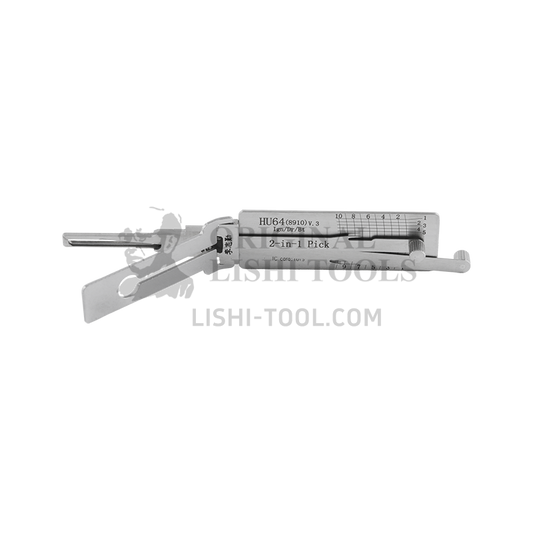
On Lishi tools the card carries a number: the HU64 v.3 ships with card 1019, the HU162T v.2 with 1435, and the KW1 with 312. That number identifies the card and reference set. It is not the tool model and not the keyway code.
The model code — HU64, HU162T, KW1 — tells you which lock the tool is for. The card number tells you which printed reference came in the box. Confusing the two is the most common reason a buyer thinks the card does not match the tool.
What the application chart shows
The application chart is the broader map: it groups tools by keyway and lock position and lists the vehicle families or lock types each model is intended for. The chart answers “which tool for this lock”; the card answers “how do I read this keyway”.
Use the chart to shortlist, then confirm on the actual key or cylinder. A chart is a guide, not a guarantee: year, market and lock position can change the keyway within the same badge.
How to read the card in four steps
1. Confirm the model code
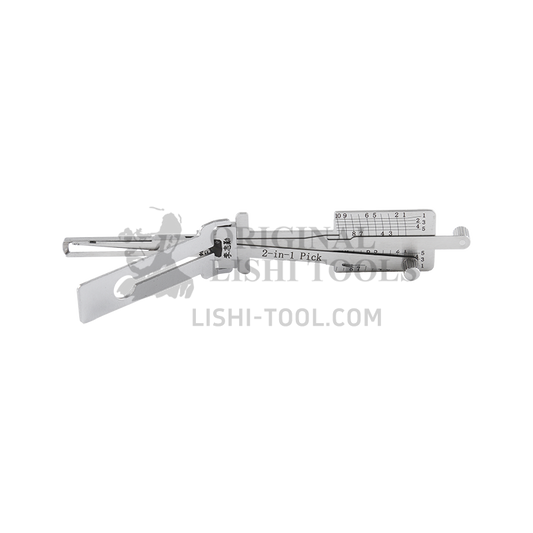
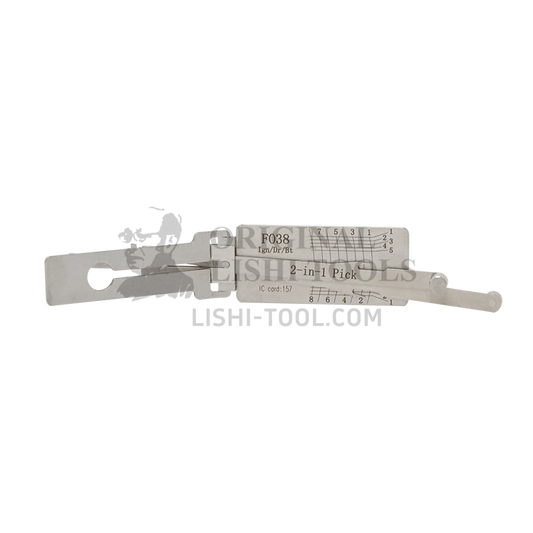
Check the code on the tool body against the listing: HU64 v.3, HU162T v.2, TOY43AT, FO38, KW1, SC4-L. The card belongs to that model; a card from another model shows a different profile and position count.
2. Match the profile to the key blade
Look at the silhouette on the card, then at the key. Two features matter most:
- Milling type. Flat milling versus internal milling. The HU101 is side milling with two tracks, the KW1 is flat milling with a single track, and the HU162T v.2 is internal milling with six tracks.
- Groove side. On residential keyways this decides whether you need the standard tool or the left-groove version, such as SC4-L or KW1-L.
3. Count the positions
The number of cut positions is part of the tool's identity: five, six, seven, eight, nine, ten or twelve. The card shows the positions the tool reads, and the listing states the tool space — 1–5 for the KW1, 1–10 for the HU64 v.3.
4. Use the card with the tool scale
The card tells you what to expect; the scale on the tool tells you what the lock actually contains. Read each position, write the depth down, and only then cut the key.
Card number vs tool scale: what each one does
A common misunderstanding is that the card contains the key code. It does not. The card is a reference for the keyway and positions; the depths come from the lock, read through the tool's scale.
That is why two people with the same tool can get different readings on the same model: wear, tension and insertion depth change the result. The card keeps the interpretation consistent.
Quick reference: model, keyway and card number
| Tool | Keyway | IC card | Milling |
|---|---|---|---|
| HU64 v.3 | 10-cut | 1019 | Side milling, two tracks |
| HU162T v.2 | 9-cut | 1435 | Internal milling, six tracks |
| TOY43AT | 10-cut | 903 | Flat milling, two tracks |
| FO38 | 8-cut | 157 | Flat milling, two tracks |
| KW1 | 5-cut | 312 | Flat milling, single track |
| SC4-L | 6-cut | 871 | Flat milling, single track |
These are examples from current listings, not a complete index. If your card number is not listed, match by model code first.
Five mistakes that cost the most
- Using the card number as the model number. 1019 is a card, not a tool.
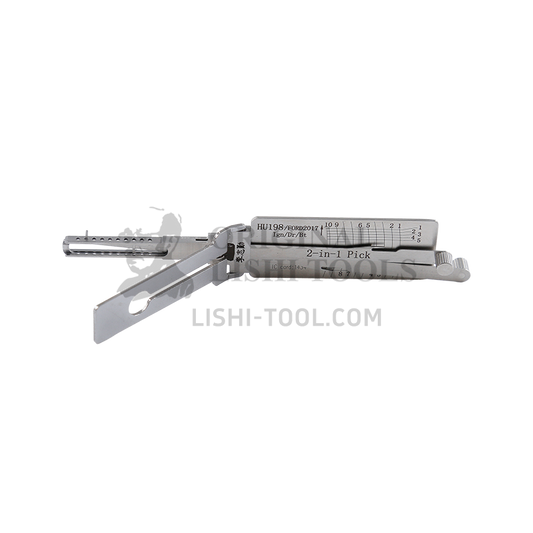
- Reading the profile by brand. Ford alone uses FO38, HU101, HU198 and FORD2021; the stamp decides.
- Ignoring groove side. SC4 and SC4-L are not interchangeable, and the same applies to KW1 and KW1-L.
- Counting cuts from a worn key. Use the card and the tool space, then confirm on the cylinder.
- Treating the chart as a compatibility guarantee. Year and market can change the keyway.
Frequently asked questions
Is the IC card the same as the user manual?
No. The card is a printed keyway and position reference; the manual covers operation and safety.
Where do I find the card number?
On the card itself, and in the product listing under “IC card”. For example, 1019 for the HU64 v.3 and 1435 for the HU162T v.2.
Can I use a card from another tool?
Only if the model and keyway match. A different model shows a different profile and position count.
Does the chart guarantee fitment for my year and model?
No. It narrows the choice; confirm the keyway on the key or cylinder, and check the lock position.
What if the card is lost?
Identify the model from the tool body, use the application chart, and send us a photo of the key and cylinder if the stamp is unclear.
Where to get the charts and manuals
Our manuals and compatibility charts page collects the reference material we publish. If you only need to shortlist a tool, start with the tool finder; if the stamp is unreadable, send a photo through the contact page.
For the selection logic behind the chart, read Which Lishi tool do I need. For cut counts, see Lishi cut types explained. And if a tool reads inconsistently, work through seven things to check before assuming the tool is faulty.
Browse the automotive collection and the residential collection to see which keyways we stock, and match the model code on the tool before you order a replacement card.